
Helpful guides & tips
RandomGens Guides are short, practical write-ups that sit next to our free generators. Each guide is built for the moment when you need criteria, not just another random flip. Use them when you are naming something you will live with, locking down a password you will not regret, shortlisting a trip you can actually take, or picking a meal without staring at the fridge for twenty minutes.
The helpful guides on this page share one habit: write your constraints first, then open a tool when you want fair options instead of the first idea your brain keeps repeating. Generators create volume. You still own the final call.





How to use guides with the tools
A clean loop looks like this. Open the matching guide and jot hard limits on paper or in a note: budget, audience, species, map tone, threat model, time window, or household vetoes. Only after those filters exist should you visit the RandomGens homepage and generate candidates inside those bounds. That keeps randomness useful instead of noisy.
If you already know your constraints, skip straight to a generator. If you keep rejecting every option, come back to a guide and tighten the filters. The cards in the grid below open the full how-tos when you want examples and checklists. Prefer tools only? Start on the homepage under Names, Writing, Food, or Utilities.
Password decisions
Before you roll a string, decide what kind of secret you need. A master passphrase you must remember is a different job from a long random string your password manager will store for a shopping site. Length and uniqueness matter more than clever symbol tricks, and MFA belongs on the accounts that hurt most if they leak. The full walkthrough is in how to create a strong password; when you are ready for a fresh string, use the free random password generator and save the result in your manager before you close the tab.
Business naming
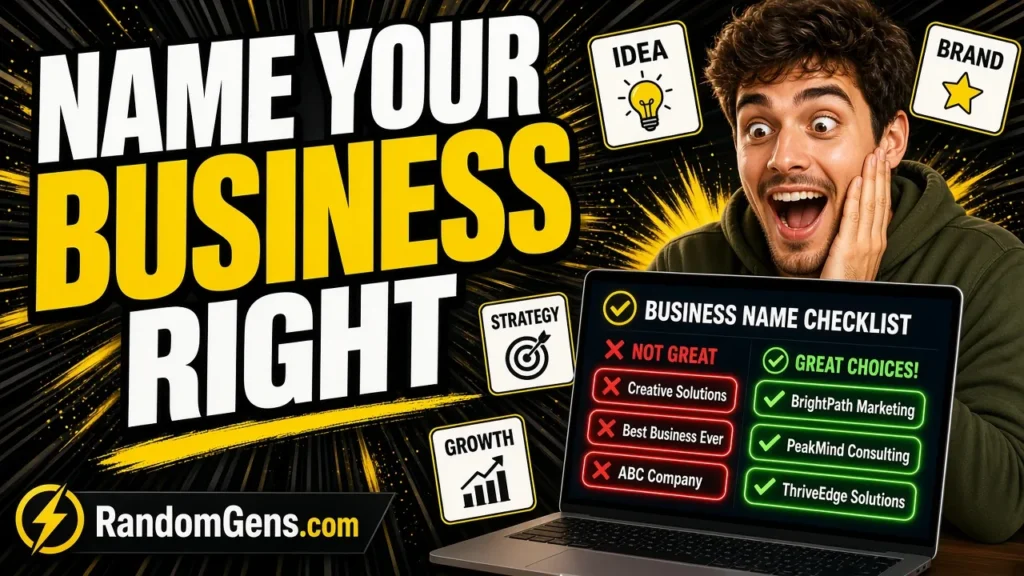
A name that sounds great in a group chat can still fail a phone test, a domain search, or a trademark look-up. Hub-level tip: list the surfaces you care about first (say-it-out-loud test, entity name rules, domain, handles, confusingly similar marks), then generate raw clay only after that checklist exists. Style choice matters too. Descriptive names win early clarity; invented names win room to grow. For the ordered workflow, read how to name a business, then pull volume from the team, word, or letter tools on the homepage when you need more candidates.
Pet naming
Pet names have to survive a busy household, not only a cute shortlist. Say each finalist out loud at training volume, check that it does not sound like a common cue, and give every housemate one veto. Short, sharp call-names stick better than long fancy phrases you will never shout across a park. When you want the full sound rules and shortlist method, open how to choose a pet name. For more options after filters, try the pet, dog, or cat name generators.
Fantasy city naming
Weird city names feel coherent when the region has a sound palette before you invent labels. Fix a few allowed consonants, endings, and a geography-plus-function habit (harbor, ford, ridge, market) so settlements on the same map feel related without copying Earth city lists. Generate batches only after that palette exists, then cull anything that breaks the rules. The method lives in how to name fantasy cities; batch ideas with the random city name generator when you need volume inside those bounds.
Travel shortlists
“Where should I travel next” is usually a filters problem pretending to be an inspiration problem. Write hard limits first: days off, budget ceiling, season, energy level, and must-haves or must-avoids. Only then roll countries or cities and treat the output as a shortlist to research, not a booking order. That pattern is spelled out in where should I travel next. After constraints are set, brainstorm with the free random country generator.
Smaller tonight-scale choices
Not every decision needs a trip-sized checklist. If the question is dinner instead of a destination, the older what should I have for dinner tonight guide pairs well with the food tools on the homepage. Same idea in a smaller loop: constraints first (time, ingredients, appetite), then a random nudge when you are stuck.
What the grid below is for
The cards under this copy are the live Guides library. Each one opens a full how-to with examples and a path back into the related RandomGens tool. This hub stays a map and a decision frame. The grid carries the individual posts, so you will not find a duplicate title list here.
Frequently asked questions
What are RandomGens Guides for?
They are short how-tos that sit next to the free generators. Each guide helps you set criteria for a real decision, then points you to a tool when you want more options.
Should I read a guide or open a generator first?
If you already know your constraints, open a generator. If you keep rejecting every option or feel stuck, read the matching guide first, write your filters, then generate inside those bounds.
Are the RandomGens tools free to use?
Yes. The generators on the RandomGens homepage are free to use in your browser. Guides explain how to decide; tools create candidate options.
Where do new guides appear?
New guides show up in the post grid on this page when they are published. This hub introduces themes and how to pair guides with tools; the grid is the live library.